Skip to content

Better experiences begin with listening

Meet EngagementScores

Better questions.
A clearer picture.

Create surveys, collect feedback, and explore the experiences behind your customer and team relationships.

Custom surveys

Ask the questions that matter to you.

Build a survey around the experience you want to understand, using clear questions and answer choices. Give people a rating when you need a consistent measure and room to explain when the detail matters. Whether you’re an individual gathering feedback or a business listening across teams, start with what you want to learn.

Illustrative rating and written-response questions.

Templates

Start with a useful starting point.

Explore customer and employee survey templates, then shape your questions around your audience. A starting point helps you think through what to ask and how to ask it. Our two public examples offer a feel for the survey experience; they are not a complete catalog of the platform’s templates.

Illustrative customer and employee template cards.

Satisfaction & loyalty

Keep satisfaction and loyalty in view.

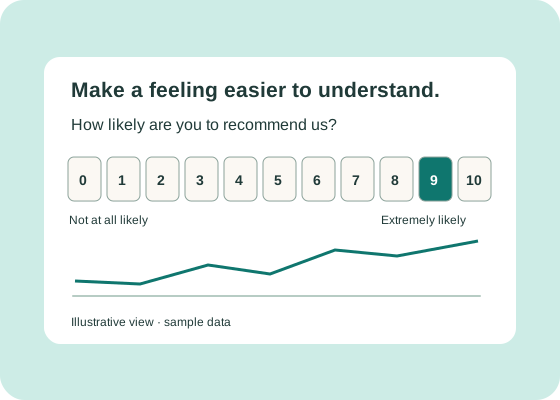
Use rating and recommendation questions to understand how people feel about their experience. Satisfaction asks about the experience itself; willingness to recommend offers another perspective on the relationship. Consider those answers alongside written feedback for context, rather than expecting a single number to tell the whole story.

Illustrative recommendation scale and trend. Sample data.

Employee surveys

Give team feedback a place.

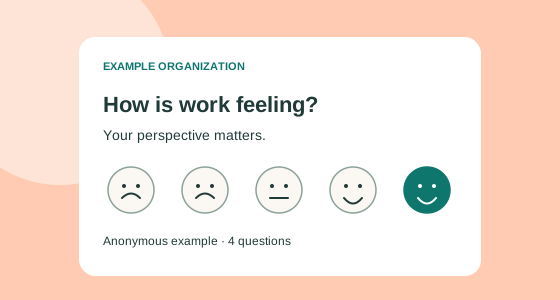
Invite employees to share their experience, from day-to-day support to how they feel at work. A focused pulse survey can make space for feedback about resources, communication, and the opportunity to contribute. Choose questions that fit your team, and make the survey’s identified or anonymous mode clear before anyone answers.
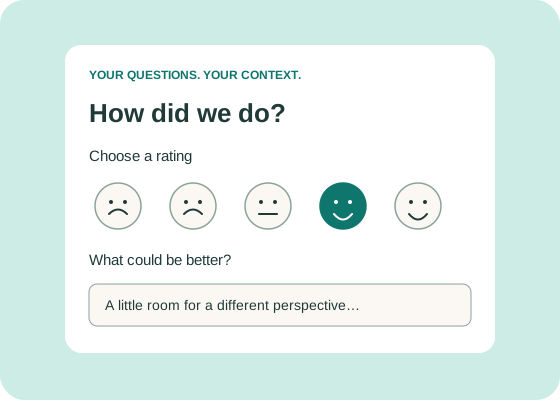
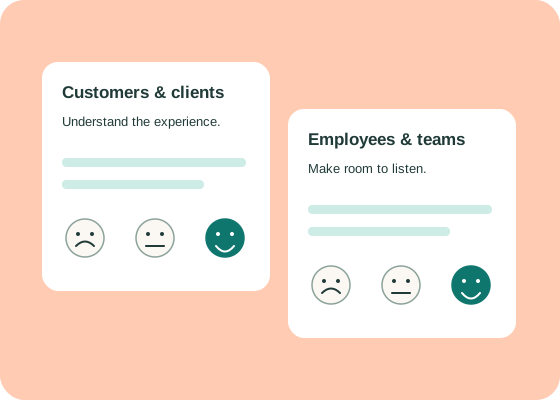
Illustrative employee satisfaction question.

Shareable links

Make feedback easy to reach.

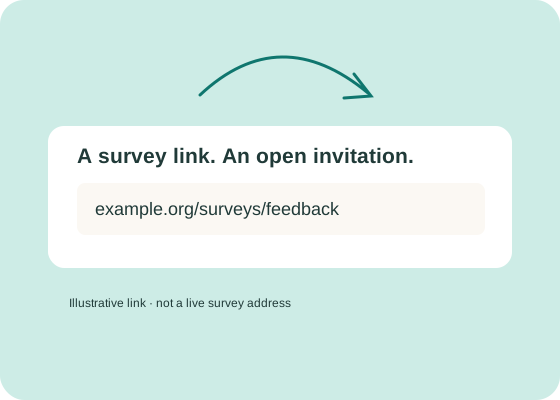
Share a survey link wherever you already communicate with your audience. Put the invitation in context: explain what the survey is about and whose experience you want to hear. For anonymous surveying, a shared, non-personalized link is part of the intended approach. The sender chooses the survey mode before sharing.

Illustrative shared survey address, not a live link.

Dashboards & analytics

Look beyond a single response.

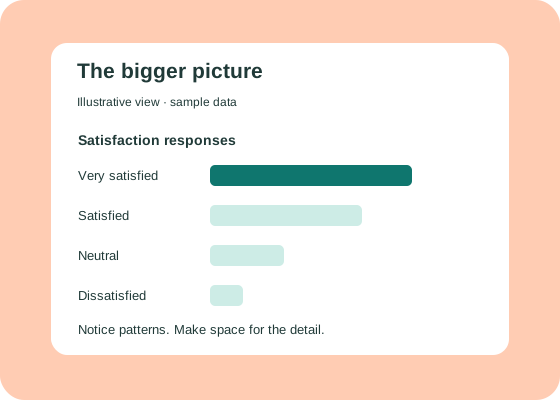
Review responses and scores together to see patterns in the feedback. Look at the experiences behind the numbers, notice recurring themes, and use what you learn to guide your next questions. The visual here illustrates that idea with sample data; request a demo to see the operating platform and its available analytics views.

Illustrative satisfaction responses. Sample data, not an actual product screenshot.

Optional anonymity

Choose when feedback stays anonymous.

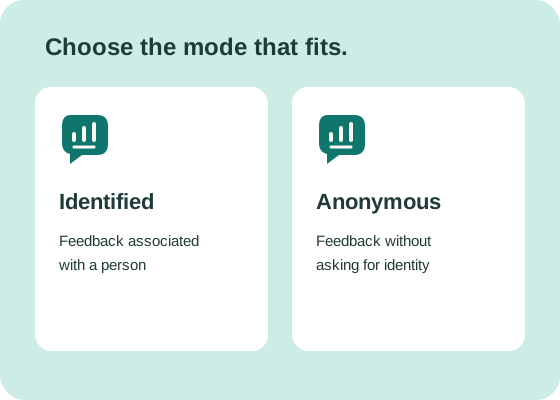
Some surveys need a name so feedback can be associated with a person. Others call for an anonymous option. Select the mode that fits your purpose and explain it to respondents. Anonymous mode is intended to avoid identity collection and respondent tracking; its full data handling must be verified across the product and hosting.

Identified and anonymous survey modes compared.

What would you like to understand better?

Let’s explore how EngagementScores can fit the people you want to hear from.